
Your timecard shows an unpaid meal break, but you spent it answering calls. Or your shift ended at 7:00 on the roster, and you were still giving report at 7:18. The first step is to work out exactly which minutes the employer counted and which minutes you recorded.
Start with one shift and one comparison. Record your actual work window and the unpaid break you actually took. Compare the resulting minutes with the paid minutes on the employer’s timecard. Use the schedule only as a provisional comparison when the timecard total is missing.
FREE TOOL · ACTUAL TIME VS. PAID TIME
Nurse Missed Break & Handover Log
Enter one row per shift. Choose Next day for a finish after midnight. Use whole minutes for breaks and enter 0 when none was deducted or taken.
Break fields are totals inside their respective shift windows. Count each work minute once. If the records are uncertain or a clock change affected the shift, verify elapsed time with payroll rather than relying on a clock-time estimate.
No account. Entries stay in this tab, are cleared when you reload, and are never sent to Yorly. Exports save a copy on your device and can include private notes. Keep patient and employee identifiers out.
Do missed breaks and late handover count as work?
For covered, nonexempt U.S. employees, the Department of Labor explains that work an employer requires or allows generally counts as hours worked. For a meal period to be excluded as a bona fide unpaid meal under federal rules, the employee generally must be relieved of duties. The Department’s healthcare guidance discusses employers with automatic deductions and gives examples of interrupted meals and work performed after scheduled hours. An automatic deduction is a record to check; its presence alone does not establish that payroll was wrong.[1]
Missed or interrupted meal. Note how many minutes were deducted, when you were actually relieved, what duties interrupted the break, and whether the employer’s exception process was used. If it is unclear whether an interrupted meal qualifies as unpaid under the applicable rule, record the facts and ask how the entire period was treated. The log cannot make that determination.
Handover or charting after your scheduled clock-out. Record the actual end of work and the required task. If you clocked out at 7:00 and handed over until 7:18, distinguish the clock-out punch from the actual end of work; do not enter the handover again as a separate shift. Work can count even if it was performed outside the scheduled shift.[1]
Keep four different numbers separate
- Scheduled time: the hours the roster planned, before subtracting any break.
- Actual work time: the recorded start-to-finish window minus the time genuinely taken as unpaid break. Paid breaks should not be entered as unpaid time.
- Paid time: what the employer credited on the timecard or payroll record. If a punch was edited, ask which punch, deduction or correction payroll used. Compare the shift total with the associated pay period and statement.
- Overtime: a separate review. For covered, nonexempt U.S. employees, federal overtime usually looks at the workweek; qualifying hospitals and residential care establishments may use the 8-and-80 system if the requirements are met. State rules and agreements can differ. A 30-minute time discrepancy is not automatically 30 minutes of overtime.[2]
Worked examples: how to avoid double counting
Fictional example: 48 minutes to review. Morgan was scheduled 7:00 a.m.–7:00 p.m. with a 30-minute unpaid meal deduction. Morgan worked through the meal and finished handover at 7:18 p.m. The timecard shows 690 paid minutes. The log compares 738 recorded work minutes with 690 paid minutes: 18 minutes from the later finish and 30 from the missed break. Do not add the same 18 minutes as a separate row.
What if payroll already corrected something? If the timecard has since credited 720 minutes, enter 720 as the paid total. The remaining difference is 18 minutes, not 48. If the timecard used different clock punches, enter its actual paid total and request the punch history. If actual work times or the paid total are unavailable, treat the number as provisional.
Fictional example: across midnight. Alex was scheduled 7:00 p.m.–7:00 a.m. the next day and finished charting at 7:10 a.m. Alex took the entire 30-minute deducted break. The schedule minus break is 690 minutes; actual work minus break is 700. If paid minutes are unknown, the 10-minute difference is a starting point to verify, not a claim that pay was omitted.
What to send payroll about missing time
- Identify the shift date, unit if needed, and pay period. Check both the timecard and statement, plus any pending correction.
- List the scheduled and actual start and finish, the recorded deduction, and the reason. Use your roster, punches, or approved correction record as support. Do not share patient names, chart screenshots, or clinical details.
- Ask for the minutes and punches used, the reason for an edit or deduction, how to correct the record if necessary, and when to check the next statement. Keep a copy and follow your workplace or union process if the discrepancy stays unresolved.
For a full review of pay codes and other premiums, use the nursing paycheck guide or the printable paycheck checklist. To estimate the gross value of a shift with known paid hours, use the free Nurse Shift Pay Calculator.
Outside the U.S.: start with the rule that covers your job
The log compares recorded minutes wherever you work; the U.S. rules above do not travel with it. In Canada, use your province or territory’s guidance and check any occupation-specific rules; Ontario’s hours-of-work guide is one example. In Australia, check which award or enterprise agreement applies before relying on the Nurses Award. In New Zealand, start with Employment New Zealand’s rest and meal break guidance and your employment agreement.
In the Philippines, check job and sector coverage before applying the DOLE workers’ monetary benefits handbook. In Singapore, check whether Part 4 of the Employment Act covers you before applying the Ministry of Manpower’s hours, overtime and rest-day rules. Ask your union or labor authority if you are unsure which rule applies.
Common questions
Should I enter a missed 30-minute break as 0 or 30?
Enter 30 in the deduction field if your timecard shows 30 deducted. If you worked through the whole break, enter 0 in the field for unpaid minutes actually taken.
Can I log a shift before the paycheck arrives?
Yes. Leave the paid timecard total blank if you don’t know it. The log compares against scheduled minutes minus the deduction you entered. Update the comparison once you have the employer’s record.
Sources and scope
U.S. federal references checked . The tools are educational worksheets and do not determine pay owed. Check the rules for your location, employer and agreement.
YORLY FOR IPHONE
Your shifts are complicated. Your pay picture shouldn’t be.
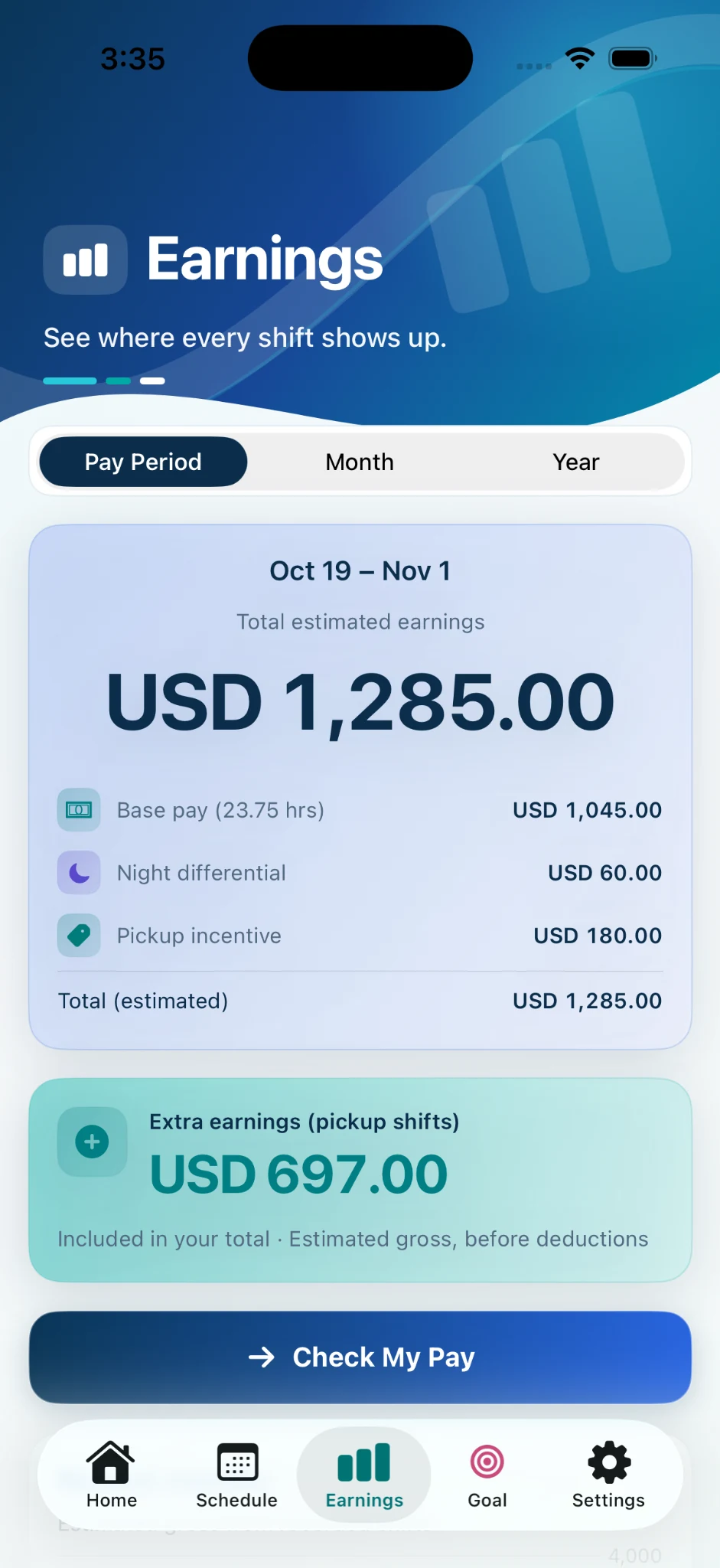
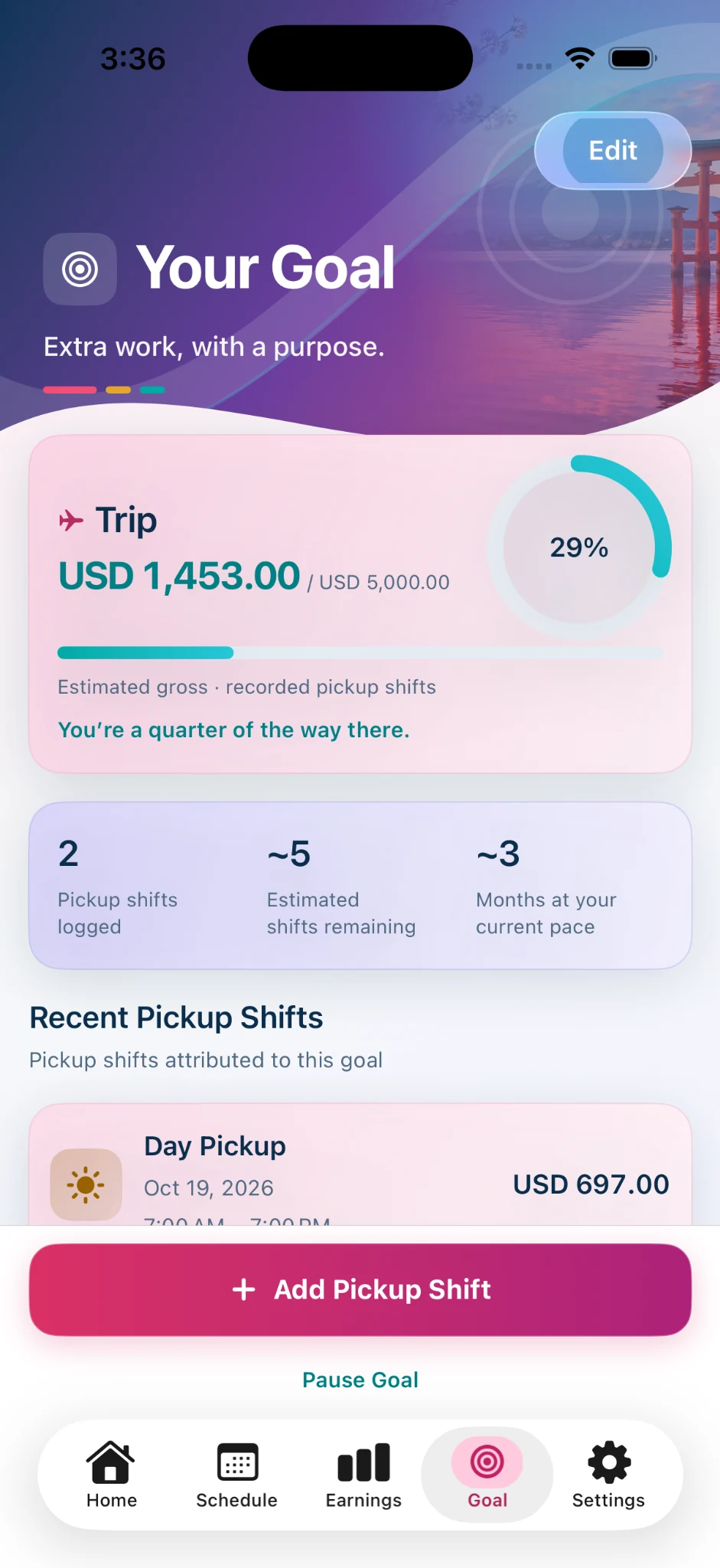
Use the free log to review a specific time discrepancy. Then keep your shifts and estimated gross earnings organized in Yorly so you have a clearer picture on payday. Reuse configured pay rules and see differentials, supported overtime estimates and Live Shift on supported iPhones.

iOS 18 or later. Paid monthly and annual subscriptions are available. These web tools do not connect to the app; Yorly estimates gross pay and does not verify employer payroll.