
You picked up a shift after staffing offered an incentive. Your next statement shows the regular hours and night differential, but you can’t find the pickup bonus. First check the offer, the eligible hours, and when the incentive was supposed to post.
Find the written offer and match it to the shift and pay period. Write down the amount, whether it was flat or hourly, any conditions, and the expected pay date or code. If a term is missing, ask for clarification rather than assuming the offer was forfeited or that the paycheck is final.
FREE TOOL · VERIFY THE TERMS IN WRITING
Pickup Bonus Confirmation Builder
Capture the offer as you received it. Mark what you have personally confirmed, see the questions still open, and draft a note for staffing or payroll.
No account. Entries stay in this tab, clear when you reload, and are never sent to Yorly. Review a draft before sharing it. A status reflects your notes; Yorly does not verify eligibility.
What to confirm before accepting the pickup
- Which shifts and hours qualify? Ask whether the offer is tied to a specific date, unit, shift ID, scheduled-hours minimum, or number of worked or paid hours. If you are released early or part of the shift changes, ask how that affects the payment.
- Do PTO or absences affect the offer? Some offers refer to attendance or scheduling requirements. Ask about the exact period and how PTO, leave, or other absences are handled, and check applicable law and agreement before assuming a rule applies to protected leave.
- Does floating change the offer? If the unit or assignment changes after acceptance, ask whether the original incentive follows the shift, changes, or posts under a different code. Get the answer in writing if possible.
- What if someone cancels? Ask separately about employer cancellation, employee call-off, reassignment, and early release. These may be treated differently under the written terms and applicable rules.
- Flat amount or hourly incentive? Confirm the amount, currency, and eligible hours for an hourly offer. Ask whether the bonus is separate from ordinary pay, differentials, and any overtime, rather than adding it to pay twice.
- When and where will it appear? Ask for the pay period, expected date, statement code, and whether a separate or later payment is normal. Keep the written offer, acceptance and any subsequent confirmation.
These are questions to ask, not standard disqualifiers. Eligibility and payment can depend on the specific offer, employer policy, employment or collective agreement, and applicable wage law. A missing pay code does not tell you whether an amount was earned, delayed, or misrecorded.
Fictional examples: flat versus hourly pickup pay
Flat offer: A staffing message offers a U.S. nurse $180 for an eligible 12-hour pickup. If the written flat offer applies, the offer amount is $180. It is not $180 for each hour worked. If payroll has already credited an incentive line for that shift, compare that line with $180 before adding a missing amount.
Hourly offer: Another staffing message offers $18 per eligible hour. If seven hours qualify, the illustrative incentive is $126 ($18 × 7), not $216 for all 12 scheduled hours. Confirm which hours actually qualify before estimating a total. These figures illustrate the offer only; neither is net pay or an overtime calculation.
Still deciding whether to take the shift? Read how to decide whether an extra nursing shift is worth it. The free gross shift pay calculator accepts a known flat pickup amount. If your offer is hourly, confirm the eligible hours and compute the amount separately before entering it as one incentive total.
What to ask payroll when the pickup bonus is missing
Bring the date and shift identifier, the written amount and terms, your timecard, and the statement you checked. Ask whether the incentive is pending, posted under a different code, linked to another pay period, or needs a correction. If staff cite an eligibility condition, ask which condition and record they used. Check any contract or union process and timing requirements if the question remains unresolved.
Try this opening: “Hi, could you help me locate the pickup incentive for my November 10 shift? I’ve attached the staffing confirmation and checked the statement for that pay period. Could you confirm the pay code, expected date, and whether anything else is needed from me? Thank you.” This is a fictional example. Keep patient or other confidential information out of any attachments.
For discrepancies beyond the pickup incentive, use the Nurse Paycheck Accuracy Checklist. If the question starts with the hours you worked, use the missed-break and handover log.
Does a pickup bonus affect overtime?
It can. For covered, nonexempt U.S. employees, the Department of Labor explains that nondiscretionary bonuses generally enter the regular rate used to calculate overtime unless an applicable exclusion applies. A promised incentive can be nondiscretionary even if it is called a bonus; the terms and facts matter. Ask payroll how the payment was treated, and read the healthcare overtime and regular-rate guide for a worked example. The offer builder does not calculate overtime or decide wages owed.[1][2]
If you work outside the U.S., check your local labor authority and the applicable agreement. The builder supports multiple currencies so you can record an offer in the currency quoted; it does not convert amounts or apply any country’s employment rules.
Common questions
Does a pending bonus mean payroll made a mistake?
No conclusion follows from timing alone. Check which period the shift was assigned to, the expected posting date, and whether incentives appear separately. Ask payroll to explain a mismatch.
Should I mark a term confirmed if I haven’t asked about it?
Leave it unconfirmed so the builder can highlight the question. Use “Not applicable” when you know the term does not apply to your offer. Neither selection is a decision about entitlement.
Sources and scope
U.S. federal references checked . The tools are educational worksheets and do not determine pay owed. Check the rules for your location, employer and agreement.
YORLY FOR IPHONE
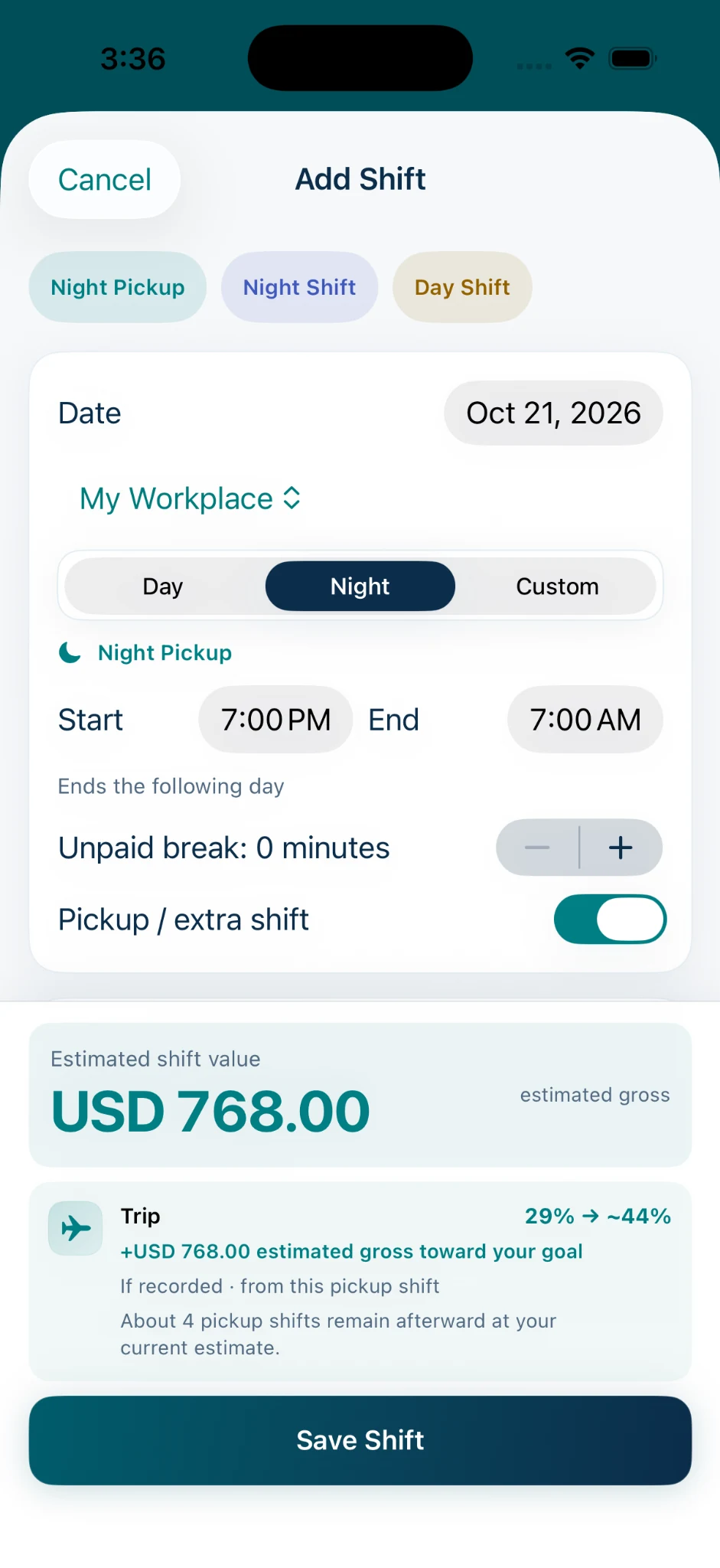
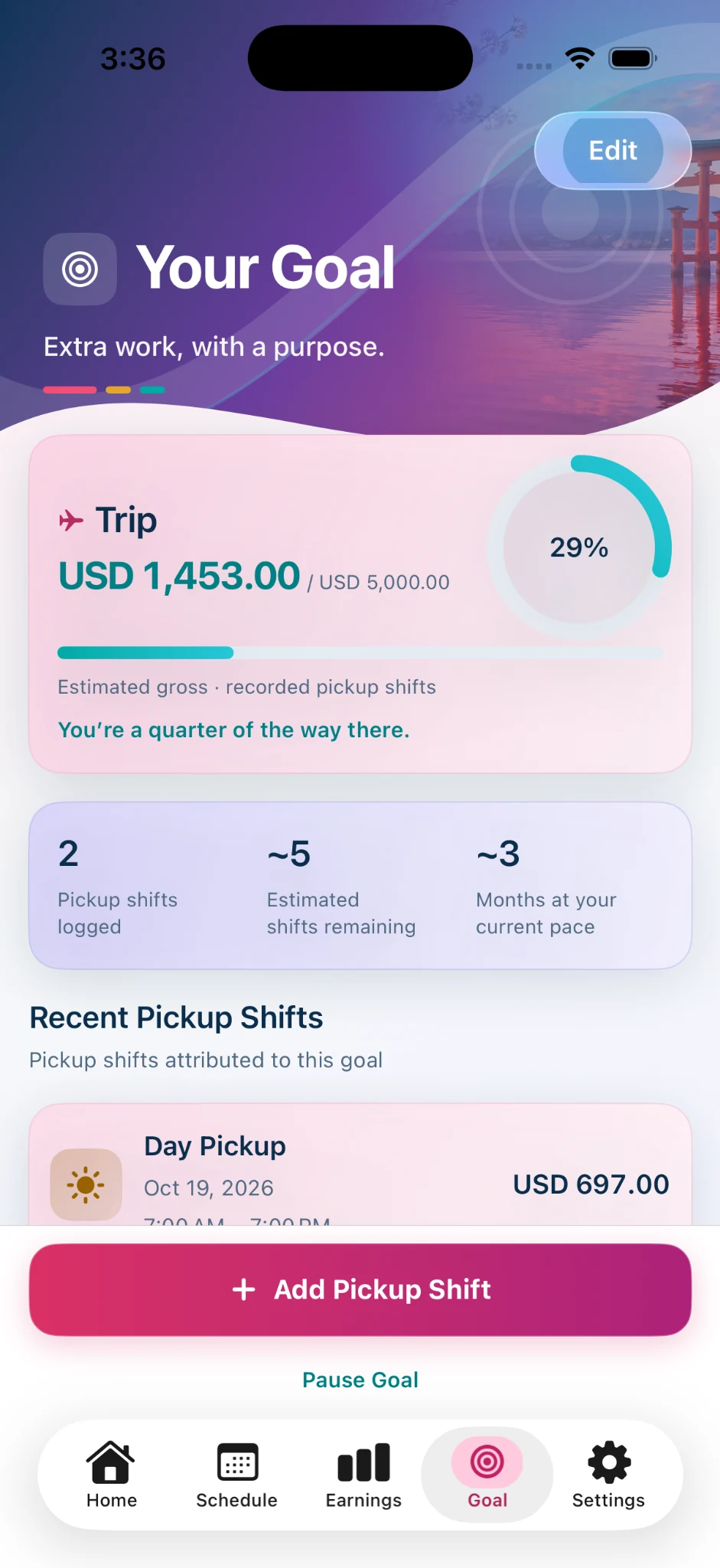
Know what a pickup could earn. See what it brings you closer to.
Confirm the offer first. Then use Yorly to estimate what the shift could earn, record it if you accept, and see how qualifying recorded pickup shifts contribute toward a goal that matters to you. Goal progress estimates earnings from those shifts; it does not represent cash saved, transferred or deposited.

iOS 18 or later. Paid monthly and annual subscriptions are available. These web tools do not connect to the app; Yorly estimates gross pay and does not verify employer payroll.